How to Monitor Hundreds of Camera Feeds Without Missing Incidents

It’s not uncommon for properties like corporate office buildings, malls and other multi-retailer properties, large warehouses, campuses, and government buildings to have hundreds of security cameras. The issue is that, while more cameras should lead to better coverage, it’s incredibly difficult to accurately monitor hundreds of feeds at once.
Traditionally, security camera feeds were monitored manually by security personnel or operators. This works well when there are a manageable number of feeds to monitor. However, when dozens or hundreds of feeds need active monitoring at once, the manual approach often leads to missed real-time incidents, only caught after the incident is reported and the security footage is reviewed.
Fortunately, modern tools make large-scale real-time monitoring smooth and efficient. Rather than treating security cameras as a reactive tool that only comes into play after an incident, tool-assisted monitoring keeps you informed and lets your security team act on incidents in real time.
Key Takeaways
- Security cameras are reactive unless someone can act immediately on the incidents they capture.
- Monitoring a large number of camera feeds works best when technology flags unusual activity, and operators decide how to respond.
- Tools like AI-assisted analytics and digital tripwires let operators focus on events instead of manually watching every individual feed.
- Blackbird Tech offers 24/7 professional monitoring as an add-on to its camera installations.
How Manually Monitoring More Feeds Leads to Missed Incidents
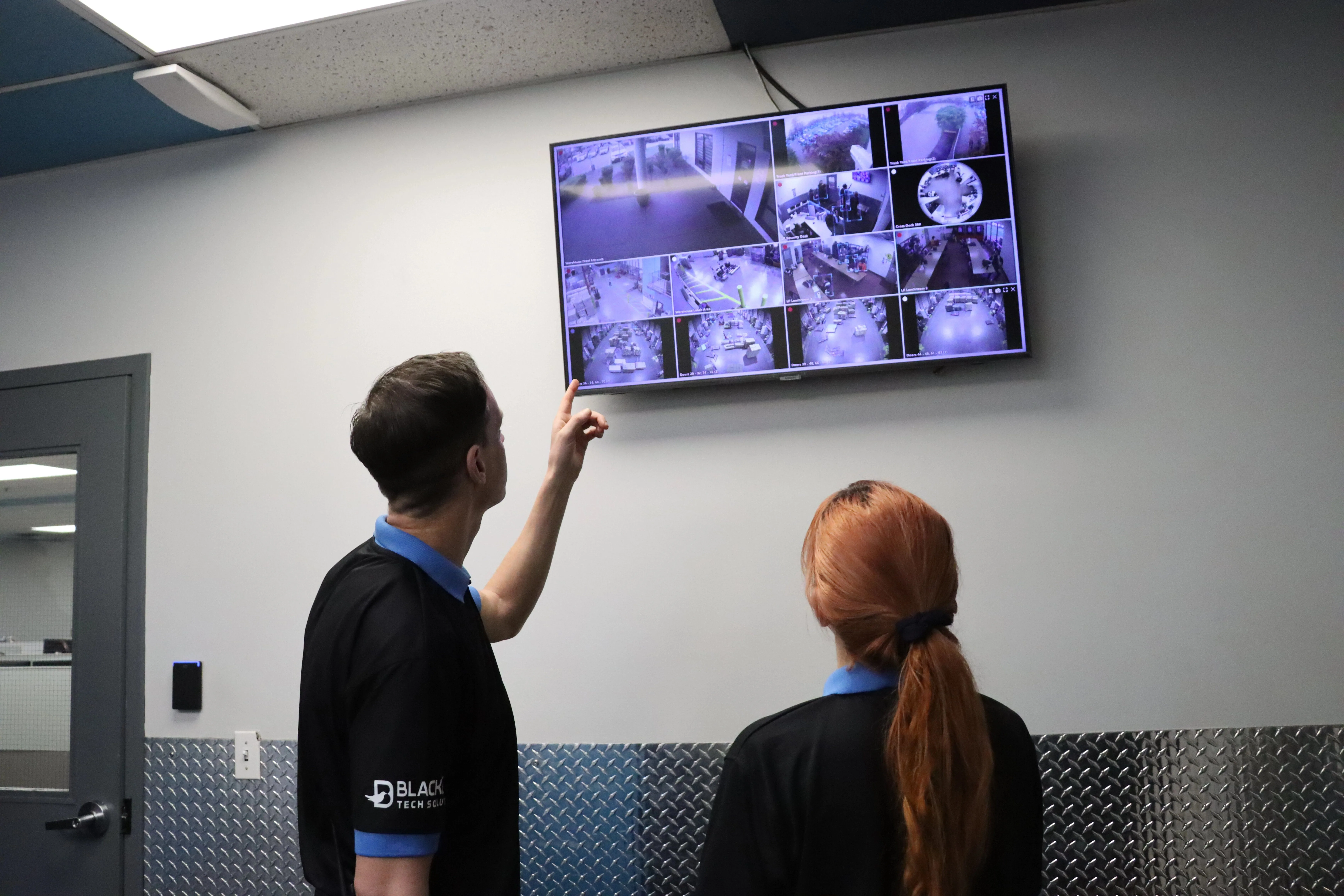
Traditionally, security camera monitoring involves a person or team watching security camera feeds displayed on one or more monitors. As the number of security cameras on a property increases, this approach can pose problems that lead to missed incidents. Problems like:
- Attention fading when monitoring footage with low activity.
- Splitting attention across multiple monitors.
- Incidents or warning signs happening quickly on a feed that isn’t being watched.
- Shift changes, breaks, and distractions creating gaps in monitoring coverage.
As a result, many camera systems end up being used to review footage after an incident instead of stopping incidents as they happen. These issues can turn live monitoring, which is recommended for commercial security camera systems, from a proactive approach into a reactive one.
Why Reviewing Footage After Incidents Is Less Effective Than Live Monitoring
Reviewing footage after an incident is reported is still the default for many businesses with camera systems, but this reactive approach has some major drawbacks:
- The damage is already done. By the time you review the footage, the theft, break-in, or vandalism has already happened.
- Incidents aren’t always discovered right away, and if the system has already overwritten the footage, there’s nothing to review.
- Scanning hours of video for evidence can take a long time, especially when it’s unclear exactly when the incident took place.
- Footage doesn’t guarantee recovery. Even with 4K video, stolen property isn’t always recovered, and charges aren’t always laid.
- Police prioritize crimes in progress. A report made days after an incident is usually treated as a lower priority than active crimes.
Reviewing footage after incidents helps with evidence and insurance claims, but it doesn’t stop incidents, which is what active monitoring addresses.
How to Monitor Hundreds of Security Camera Feeds
If monitoring a large number of security camera feeds manually leads to missed incidents, and reviewing footage after incidents doesn’t prevent them, what’s the better solution? The key is to move from scanning all footage to responding to specific flagged events.
Instead of manually scanning dozens of feeds, operators receive an alert when a camera detects unusual activity. The operator then reviews the footage right away. This lets a small team cover many cameras efficiently.
In the next section, we’ll cover the tools modern security camera systems use that make this possible.
The Security Camera Monitoring Tools That Enable Live Monitoring at Scale
Modern security camera systems include several features designed to alert an operator to incidents. These include:
- AI-assisted video analytics that detect and alert operators to unusual activity.
- Digital tripwires that trigger an alert when someone crosses a set boundary, such as a fence line.
- License plate recognition that logs vehicles at entry and exit points.
- Alarm and access control integration that links camera footage to access points and triggered alarms.
- NVR storage and remote viewing that let trained monitoring personnel view live or recorded footage from external devices.
Together, these tools narrow hundreds of feeds down to the specific minutes that need attention. This reduces missed incidents and allows operators to focus on response.
Why Live Monitoring is Important
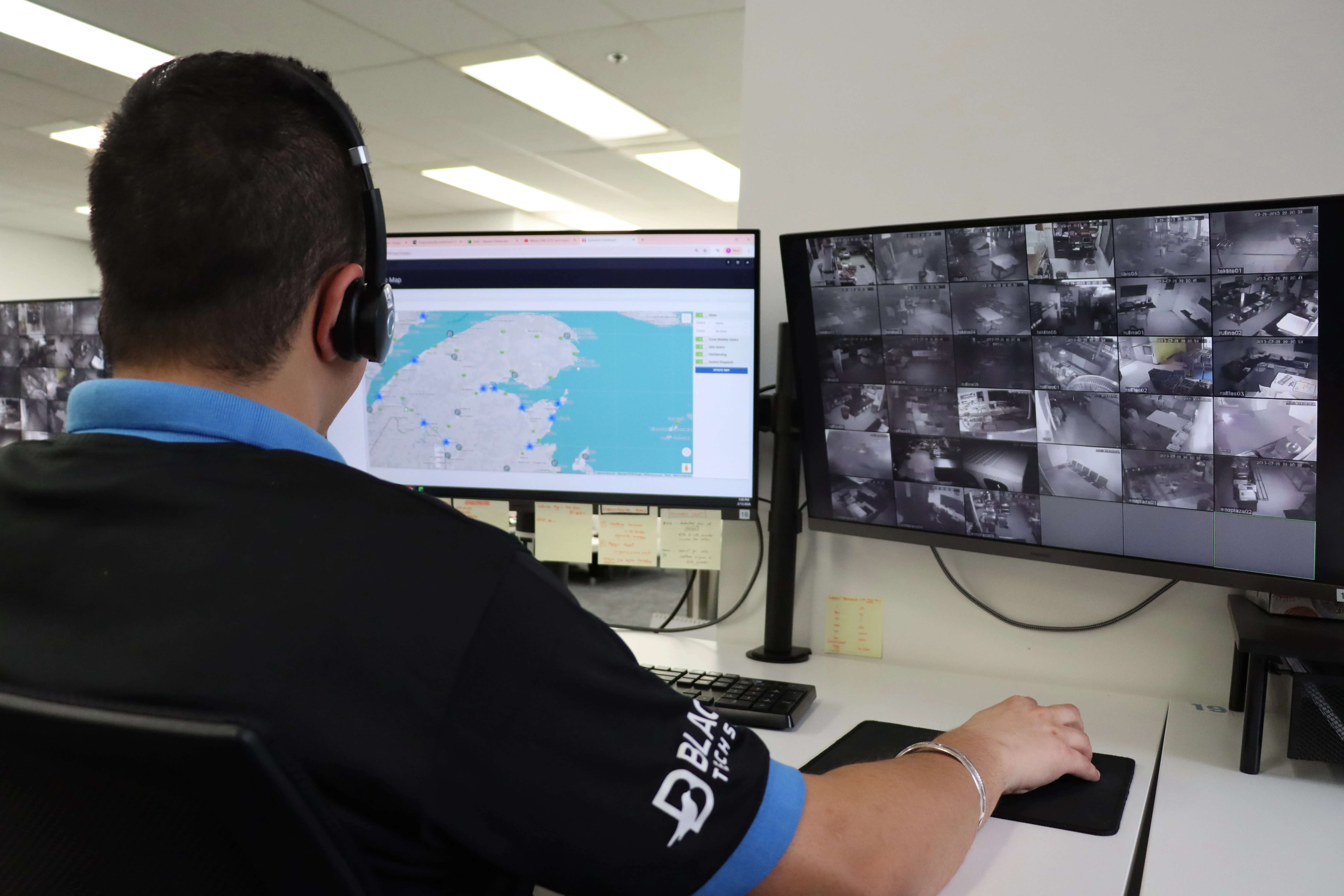
Technology can help spot activity, but live monitoring personnel are the ones who evaluate the activity, decide whether or not it requires a response, and what that response should be.
Once an operator receives an alert, they:
- Review the footage to confirm whether the activity is an incident in progress.
- Issue an audio warning if the property has on-site speakers.
- Contact police or emergency services if needed.
- Notify the client and document the event.
Live monitoring reduces false alarms while ensuring genuine incidents receive an immediate response.
How to Set Up Your System for Large-Scale Monitoring
The ability to effectively monitor hundreds of security camera feeds starts with planning and installation. A large-scale security camera system should include:
- Camera placement based on a site assessment, with key areas covered and blind spots minimized.
- A response plan that outlines who to contact when incidents occur.
- Regular reviews of alerts and incidents to adjust coverage as the property changes.
If you require a large number of security cameras, your chosen security system installer should walk you through each of these during your site assessment and installation. This ensures your system is set up for the level of monitoring you need from day one.
Two Approaches to Live Monitoring: In-House vs. Professional
Once your system is in place, the next decision is who will watch alerts and respond. Businesses with large camera systems usually choose either:
- In-house monitoring, where a dedicated internal security team or security operations centre (SOC) watches alerts and manages response.
- This works well for organizations with the staff and budget to cover all hours.
- Professional monitoring, where a third-party monitoring centre handles alerts around the clock, with trained operators and established response protocols
At Blackbird Tech, we support both. Our install-only model sets up the system for businesses with their own SOC, while our full turnkey model includes 24/7 monitoring from our central station.
When choosing a monitoring provider, look for a UL-listed central station. A UL-listed central station has been independently audited to meet standards for backup power, communications, response times, and staff training.
Partner With Blackbird Tech for Security Camera Monitoring Services
Monitoring hundreds of cameras is most efficient and effective when technology narrows down the footage that needs active attention, while trained personnel handle the response. At Blackbird Tech, we design, install, and monitor commercial security camera systems tailored to your property.
Want to learn more? Contact us today to book a site assessment.
FAQ
How many camera feeds can one person monitor?
There's no set number, since it depends on how much activity each camera sees. With AI-assisted analytics and alerts, operators respond to flagged events instead of watching every feed.
What is AI-assisted video monitoring?
AI-assisted video monitoring uses AI analytics to detect unusual activity on camera feeds and alert an operator. It filters out ordinary environmental motion so that operators can focus on footage that needs attention.
What is a digital tripwire?
A digital tripwire is a virtual boundary set within a camera's view, such as along a fence line. When a digital tripwire is crossed, the system alerts the monitoring team.
Is professional security camera monitoring better than an in-house team?
It depends on your business. In-house teams work well for organizations with an SOC and the budget to cover all hours, while professional monitoring provides trained operators and established response protocols around the clock.
Does Blackbird Tech offer remote camera monitoring?
Yes. At Blackbird Tech, we combine AI video analytics with live operators who verify alerts, issue audio warnings, and contact police when needed. Monitoring is available as an add-on to our camera installations.

Plus d'articles

Foire aux questions
Les principaux KPI à suivre comprennent :
- Délais de réponse aux incidents : réponse plus rapide aux alarmes ou aux urgences.
- Réduction du vol et du vandalisme : comparer les données sur les pertes avant et après la mise en œuvre.
- Conformité des patrouilles : Suivez la fréquence et le respect des patrouilles au moyen du GPS ou des registres.
- Taux de fausses alarmes : Des taux plus bas permettent de mettre l'accent sur les menaces réelles.
- Satisfaction des clients/employés : Recueillir des commentaires pour mesurer la confiance à l'égard de la sécurité.
- Services à la clientèle : représentant de compte dédié qui répond aux besoins continus et peut ajuster la stratégie au besoin
- Permettre l'accès à notre centre de contrôle 24 heures sur 24, 7 jours sur 7 pour tous les clients, qui est basé à notre siège social à Vancouver, en Colombie-Britannique. Les clients peuvent appeler ce centre et faire en sorte qu'un gardien mobile soit rapidement déployé dans leur entreprise pour tout incident spontané qui se produit. Nous croyons qu'il faut l'exploiter en interne pour nous assurer que tous les services sont rationalisés et optimisés pour la meilleure communication. Pour les clients actuels, nous pouvons joindre notre centre de contrôle au numéro suivant : 1-888-991-2622.
- Nous avons une équipe dédiée au service à la clientèle qui communique directement avec les clients au quotidien. Nos services à la clientèle effectuent souvent des vérifications de site et peuvent vous aider à résoudre tout problème qui survient dans votre entreprise.
Votre tranquillité d'esprit est notre priorité. Nous sommes plus qu'un fournisseur de services — nous sommes un partenaire pour protéger votre entreprise. Grâce à notre équipe qui travaille sans relâche pour anticiper et résoudre les défis, vous pouvez vous concentrer sur la gestion de votre entreprise en toute confiance, sachant que nous sommes toujours là pour vous soutenir. Ensemble, nous bâtissons des environnements plus sécuritaires et des partenariats plus solides à chaque étape du processus.
Sécurisez vos opérations dès aujourd'hui