What Is an NVR? Network Video Recorders Explained for Business
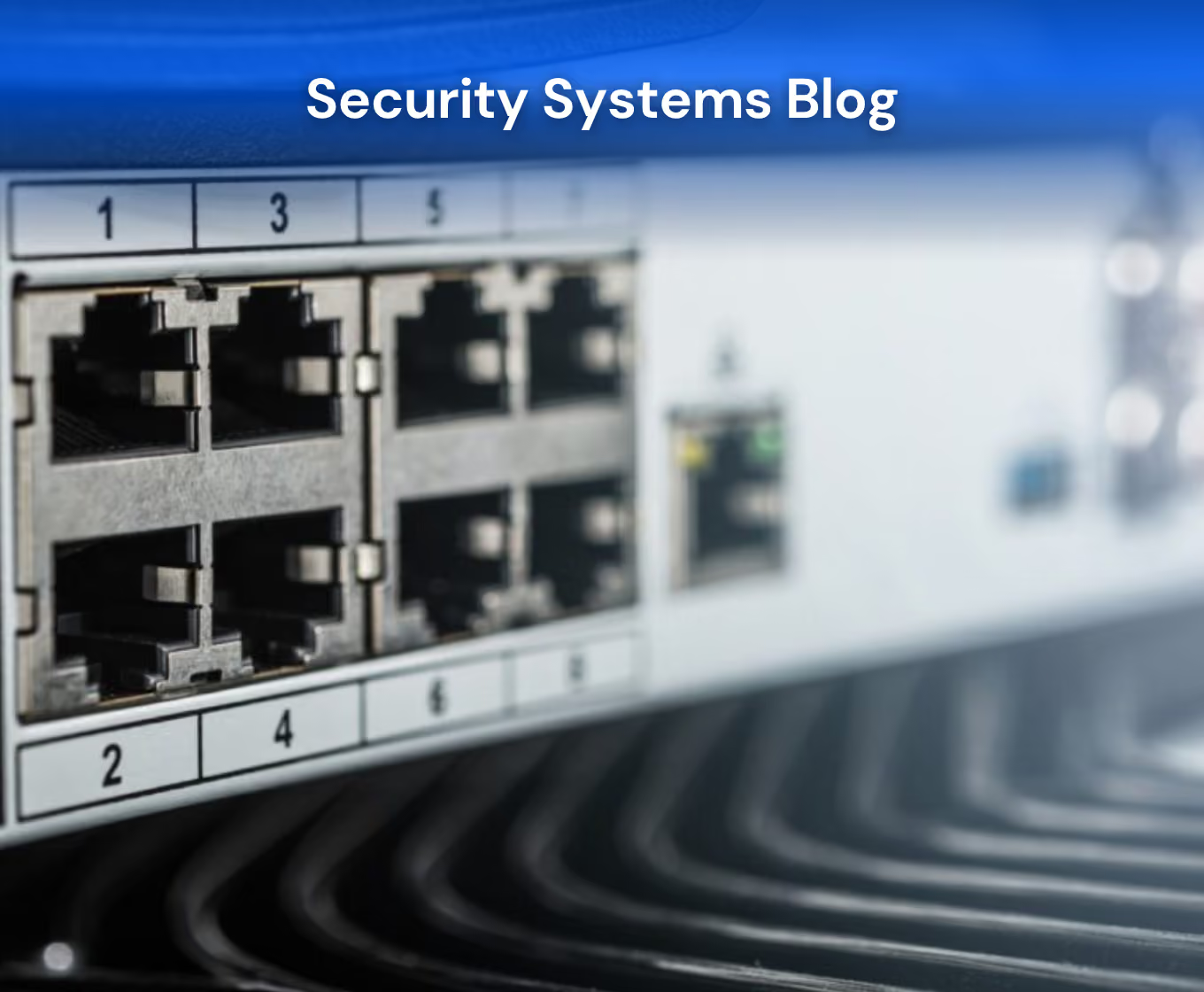
If you’re researching commercial security camera systems, you’ve probably come across the term NVR, which stands for network video recorder. NVRs are devices that allow modern surveillance systems to store and manage footage, making them central to security camera systems.
In this blog, we’ll explain what an NVR is, how it differs from a DVR, and what it means for businesses considering installing or upgrading a commercial security camera system.
Key Takeaways
- An NVR, or network video recorder, is the device that stores and manages footage from IP security cameras in a commercial surveillance system.
- NVRs differ from DVRs in that they receive footage over a digital network rather than via analog cables, making them more flexible and allowing the footage to be of higher quality.
- For commercial properties, an NVR-based system is the better long-term investment over a DVR system.
- Modern commercial security camera systems integrate your NVR, cameras, monitoring, and remote access into a single, cohesive setup.

What Is an NVR?
An NVR, or network video recorder, is a device that receives, stores, and manages video footage from IP security cameras. You can think of your NVR as the brain of your CCTV surveillance system, as it’s the central hub where all of your camera footage is stored for later review.
Here’s how video is captured and stored:
- IP cameras capture footage and encode it (AKA, convert the raw video data to a standardized digital format) on the camera.
- The footage is transmitted over your network (via ethernet or Wi-Fi) to the NVR for storage.
- Since footage is encoded digitally before it reaches the NVR, NVRs can store higher resolution video without the quality loss of older systems.
In 2026, most commercial security camera systems use an NVR because of the high-quality footage it allows, flexible installation options, and remote viewing and monitoring capabilities.
NVR vs DVR: What’s the Difference?
DVR stands for digital video recorder. Both NVRs and DVRs store security camera footage, but they work differently and are designed for different types of cameras. Here’s a comparison:
How Footage Reaches the Recorder
- DVR: Analog CCTV cameras capture raw footage and transmit it via cables to the DVR, where it’s processed and encoded. The DVR does the encoding, which leads to a loss in image quality.
- NVR: IP cameras encode footage on the camera and transmit it over a network (Wi-Fi or ethernet) to the NVR for storage.
Camera Compatibility
- DVR: Works only with analog CCTV cameras.
- NVR: Works only with IP cameras. These are the cameras used in modern commercial security systems.
Image Quality
- DVR: Image quality is limited. Most analog cameras max out at a much lower resolution than modern IP cameras.
- NVR: Supports high-definition and 4K footage, producing clear images that work best for investigations.
Installation Flexibility
- DVR: Cameras must be connected directly to the DVR via cable, which limits where cameras can be placed and makes installation more complex on larger properties.
- NVR: Cameras connect over a network, meaning they can be placed anywhere with a network connection. This makes it easier to scale NVR systems across large properties.
Remote Access
- DVR: Footage typically must be viewed from a monitor connected directly to the DVR box. Remote access is possible but more limited and requires additional setup.
- NVR: Remote access is a standard feature. Authorized users can view live or recorded footage on a phone or computer from anywhere.
For most commercial properties today, an NVR-based system is the right choice. New commercial security camera systems are built around IP cameras and an NVR.
How Long Does an NVR Store Footage?
How long an NVR stores footage depends on its storage capacity, the number of cameras connected to it, footage resolution, and whether footage is recorded continuously or only when motion is detected.
Usually, NVRs keep footage for between 30 and 90 days. After the window has passed, older recordings are overwritten by newer ones. If your business must adhere to industry regulations and needs a longer window, this period can be extended by increasing your NVR’s storage capacity.
When designing a commercial security camera system, it’s worth discussing your retention requirements upfront so your NVR is configured with enough storage to meet them.
What Else Does an NVR Do?
Beyond storing footage and enabling remote viewing, an NVR does several things that make managing a commercial security camera system easier, including:
- Managing multiple cameras and footage feeds simultaneously.
- Recording when motion is detected, helping to reduce storage use and easily identify suspicious activity.
- Integrating with remote monitoring platforms, allowing a 24/7 monitoring team to watch footage in real time and respond to incidents as they happen.
- Store footage securely through encryption and controlled access to prevent unauthorized viewing or tampering.
All of these factors streamline your property’s entire surveillance system and make it easier to keep your business safe.
Choosing the Right Security System for Your Business
Knowing what an NVR does and how it fits in with your commercial security camera system is only half the battle. The next step is selecting which NVR and IP cameras are right for your property. To those unfamiliar with the technical side of security, this can be a daunting process. That’s where working with a professional security system installer team is a significant benefit.
At Blackbird Tech, we take this off your plate by designing commercial security camera systems from the ground up, selecting the right hardware components for your property based on its specific needs and challenges. Our systems fully integrate IP cameras, NVR storage, remote viewing, and 24/7 monitoring into a cohesive setup where each component works together.
If your property already has security hardware installed, we offer system takeovers. We’ll assess your hardware to find out whether or not it can be integrated with our monitoring platform, saving you the cost of installation.
Upgrade Your Commercial Security Camera System With Blackbird Tech
If your commercial security camera system still uses a DVR, it’s likely time to upgrade. The team at Blackbird Tech will help guide you through the process, assess your site, and help you choose the best equipment for your property.
Contact us today to book a site assessment and find out what the right commercial security camera system looks like for your property.
Frequently Asked Questions About NVRs
What is an NVR?
An NVR (network video recorder) is a device that receives footage from IP cameras over a network connection and stores it for later review.
What is the difference between an NVR and a DVR?
NVRs and DVRs both store footage from security cameras, but work in different ways. A DVR (digital video recorder) processes and stores footage captured by analogue cameras, which must be connected to the DVR via cables. An NVR only stores footage captured by IP cameras, which process video before transmitting it to the NVR via a network connection. NVRs support higher resolution footage, offer more flexible installation options, and allow for remote access.
How long does an NVR store footage for?
Most NVRs store footage for between 30 and 90 days before older recordings are overwritten, depending on storage capacity, the number of cameras, recording resolution, and whether the system records continuously or only on motion detection. The retention period can be extended by increasing your NVR’s storage.
Do I need a professional to install an NVR system?
For commercial properties, professional installation is strongly recommended. A professional installer will assess your property’s layout, configure your NVR correctly, ensure cameras are positioned to eliminate blind spots, and integrate your system with monitoring services.

More Articles


Frequently Asked Questions
Key KPIs to track include:
- Incident response times: Faster responses to alarms or emergencies.
- Reduction in theft/vandalism: Compare loss data before and after implementation.
- Patrol compliance: Track patrol frequency and adherence via GPS or logs.
- False alarm rates: Lower rates ensure focus on real threats.
- Client/Employee satisfaction: Gather feedback to measure confidence in security.
- Client services: Dedicated account representative who supports ongoing needs & can adjust strategy as needed
- Allowing access to our 24/7 Control centre for all clients, which is based out of our head office in Vancouver, BC. Clients can call this centre and have a mobile guard swiftly deployed to their business for any spontaneous incidents that occur. We believe in operating it inhouse to ensure all services are streamlined and optimized for the best communication. Our control canter can be reached at this number for current clients: 1-888-991-2622.
- We have a dedicated client services team which directly communicates with clients on a day-to-day basis. Our client services often perform site check ups and can assist with any issues that arise at your business.
Your peace of mind is our priority. We’re more than a service provider—we’re a partner in protecting your business. With our team working tirelessly to anticipate and resolve challenges, you can focus on running your business with confidence, knowing we’re always here to support you. Together, we build safer environments and stronger partnerships, every step of the way.
Secure Your Operation Today